Government & LGU Solutions
Property Assessment & Tax-Mapping Fieldwork
Property assessment and tax-mapping fieldwork: verify improvements and actual use on site, with the location and photographs captured by the phone.
In the form library
- Property Assessment Inspection
Starter forms you copy and edit. Your copy is yours.
The problem today
Assessment fieldwork finds unrecorded improvements and changed uses that affect revenue. When the finding is a note on a printout, it is hard to show the owner, the board or an auditor what was actually seen.
With InspectPH
How it works
- Verify the property on siteThe AssessPro form records actual use, improvements and changes against the record, with photographs.
- Capture the locationThe phone's location is stored with the record, so the visit can be checked against the tax map.
- Review before updating the rollA supervisor approves or returns the finding before it is acted on.
- Plan by cycleSet the cycle to match your general revision, such as every 36 months, and properties come due on their own.
On the form
Typical checks
- Actual use matches the declared use
- No unrecorded new construction or extension
- Improvements match the record
- Photo of the property
- Owner or occupant present
Examples. You add, remove and reword items in the form builder.
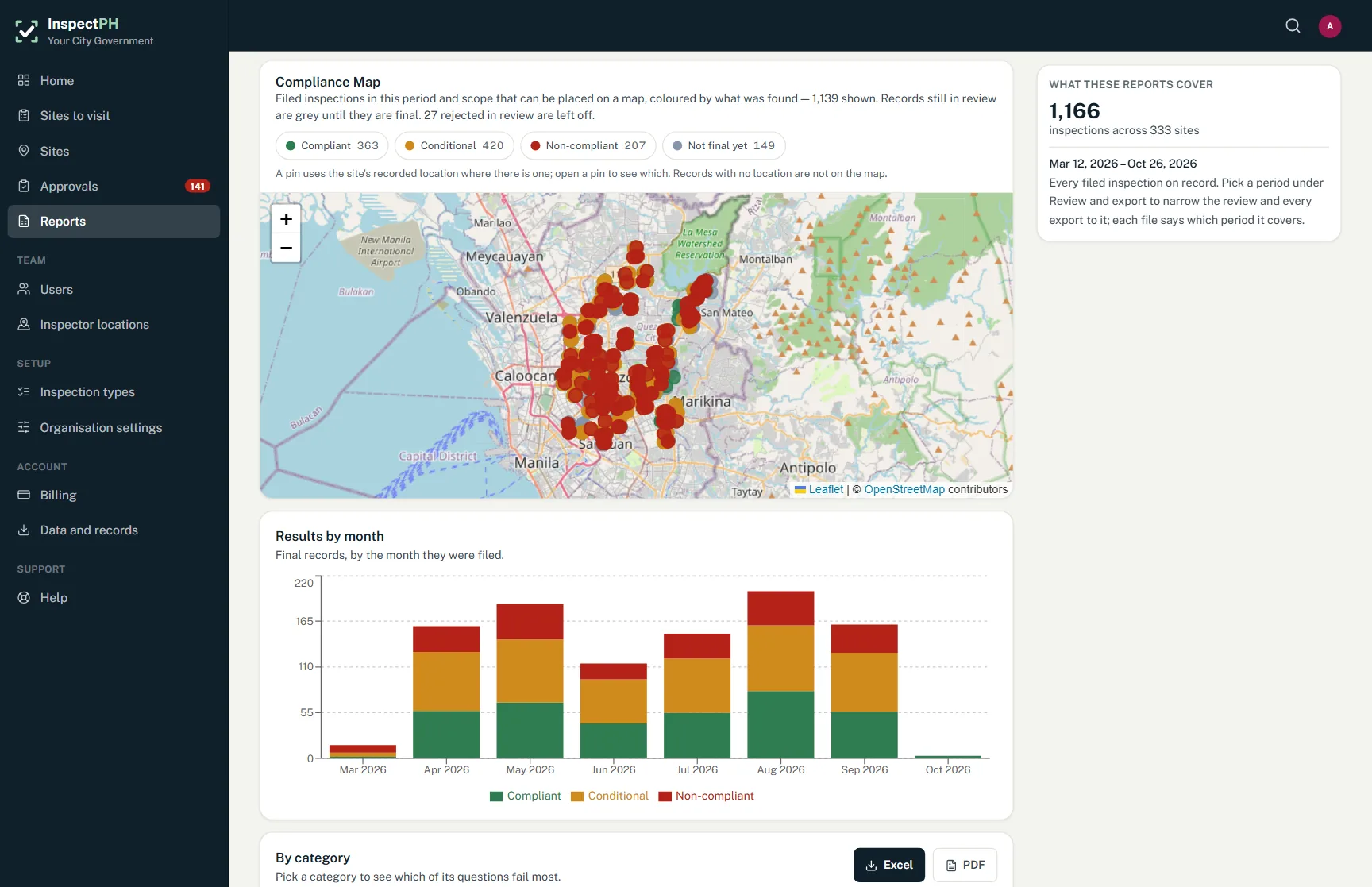
On the Reports page
What you can see
- Properties with unrecorded improvements
- Fieldwork completed by area
- Properties never visited in the current revision
Filtered by period, category and province, city or barangay, and exported to Excel or PDF.
Start small
Start with one office or one site.
Tell us what you inspect. We will call to confirm the details, set up your inspection types, your forms and your site list, and you run real inspections with it.
Or call +63 917 578 6060, and you will get a person, not a queue.