Infrastructure & Project Monitoring
Project Photo & GPS Evidence
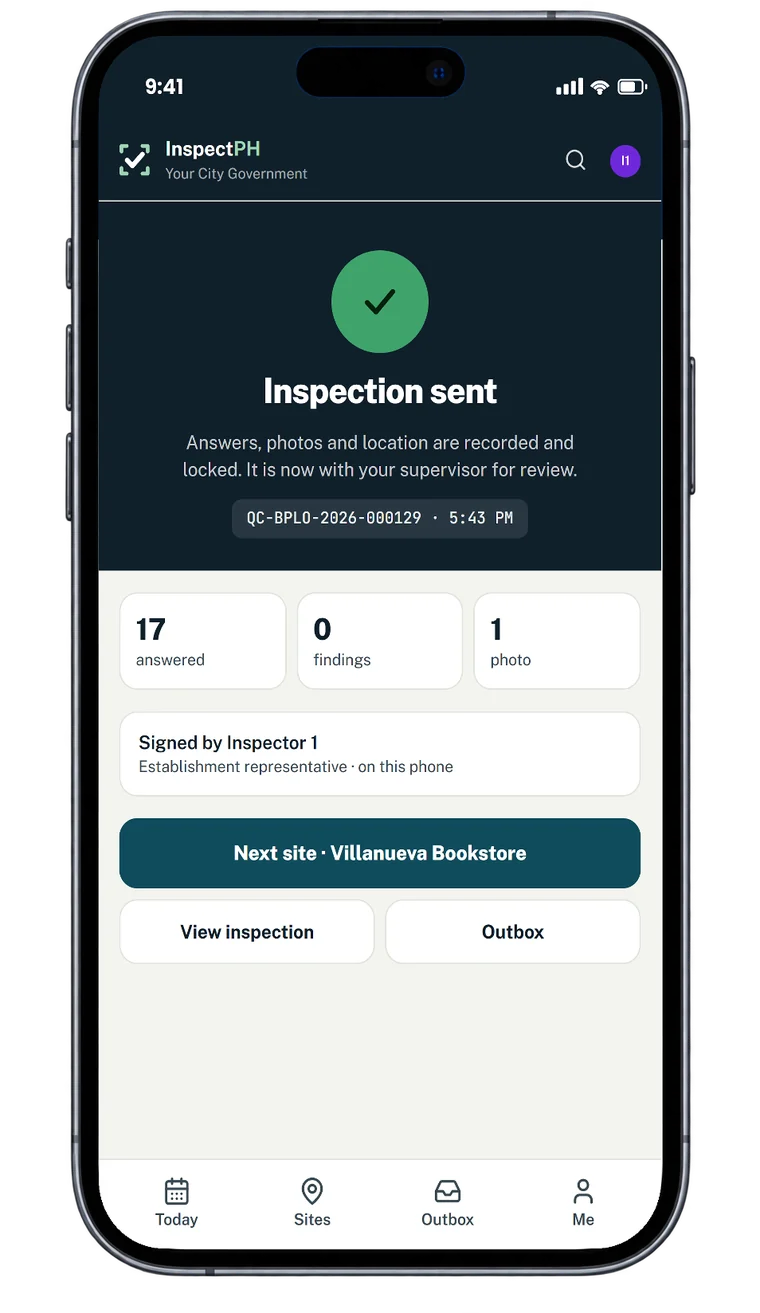
Photographs and locations that stand up: added in the app on site, attached to the finding, and locked into a numbered record once it is filed.
In the form library
- Project Progress Site Visit
Starter forms you copy and edit. Your copy is yours.
The problem today
A photograph proves very little on its own. It can be taken anywhere, sent later, and lose the context of which project and which finding it belonged to.
With InspectPH
How it works
- Capture in the recordPhotographs are added inside the inspection and attached to the item they show, not left in a phone gallery.
- A location that cannot be typedThe location field reads the phone's position at the site; there is no box to type coordinates into.
- Numbered by the serverThe reference number is issued by the server when the record is filed, so the series has no gaps from abandoned drafts.
- Locked once sentA filed record cannot be changed quietly. Changes after a decision go through an edit request, and the history stays on the record.
On the form
Typical checks
- Photo of the signboard
- Photo of each work area
- Location captured on site
- Representative's signature
- Remarks on each deficiency
Examples. You add, remove and reword items in the form builder.
On the Reports page
What you can see
- Every project visit with its location on a map
- Records with no location, counted rather than hidden
- Each record's history of changes
Filtered by period, category and province, city or barangay, and exported to Excel or PDF.
Start small
Start with one office or one site.
Tell us what you inspect. We will call to confirm the details, set up your inspection types, your forms and your site list, and you run real inspections with it.
Or call +63 917 578 6060, and you will get a person, not a queue.