Government & LGU Solutions
Multi-Department Joint Inspections
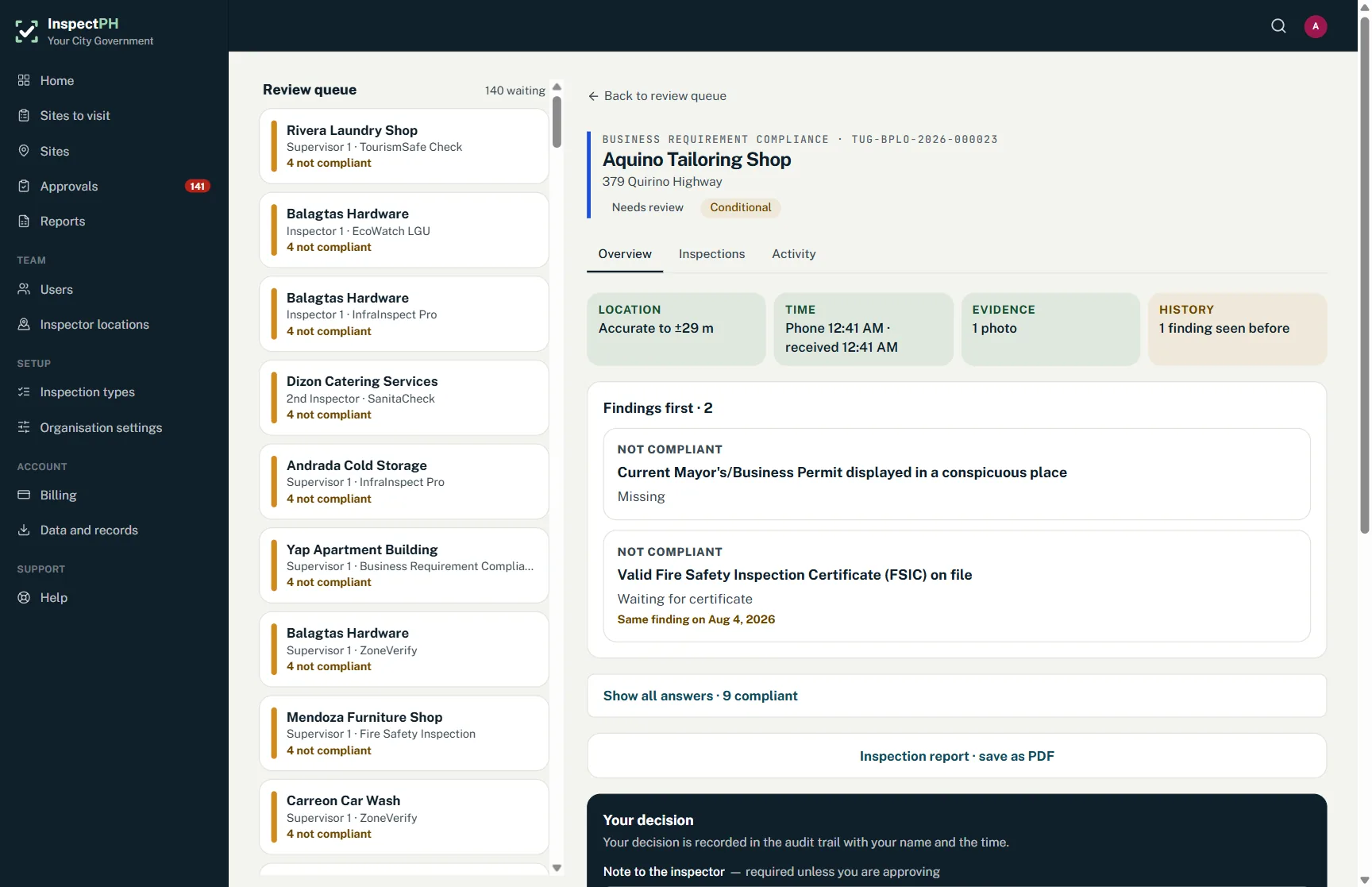
Joint inspections across offices: each department files its own record against the same site, and the site profile shows all of them side by side.
In the form library
- Joint Environmental Complaint Inspection
Starter forms you copy and edit. Your copy is yours.
The problem today
A joint inspection team visits together, but each office still needs its own findings, its own signatory and its own follow-up. Merged into one paper form, nobody owns the result.
With InspectPH
How it works
- One site, every officeA site can be tagged with several inspection types, such as BPLO, fire, sanitation and zoning.
- Each office files its own recordOn the same visit, each inspector files under their own office's form, and each record goes to that office's own reviewer.
- See them togetherThe site profile shows every type on the site with its latest result, so the joint picture is on one screen.
- Keep visibility where it belongsEvery office can see which types a site has, but only opens the records it is allowed to.
On the form
Typical checks
- Each office's own checklist
- One site record shared by all
- Separate reviewers per office
- A single history per site
Examples. You add, remove and reword items in the form builder.
On the Reports page
What you can see
- Every office's latest result for one site
- Sites with a non-compliant result in any office
- Possible duplicate sites, flagged for merging
Filtered by period, category and province, city or barangay, and exported to Excel or PDF.
Start small
Start with one office or one site.
Tell us what you inspect. We will call to confirm the details, set up your inspection types, your forms and your site list, and you run real inspections with it.
Or call +63 917 578 6060, and you will get a person, not a queue.